Click the image below to access the Smore digital flyer for this session.

Click the image below to access the Smore digital flyer for this session.
Get a headstart on the new school year by setting up a Smore Digital Newsletter for 2016-2017. Create a Remind account and be ready to distribute join instructions on the first day of school. Replace your old Back-to-School PowerPoint with a brand new Google Slides presentation that can be shared with parents electronically. Click the image below for links to a multitude of teacher resources.
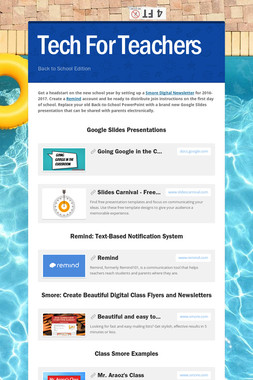

Click the image above to view tonight’s #5thchat discussion questions.

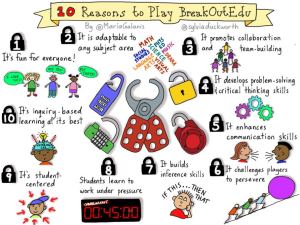
There is a new platform for immersive learning games that’s taking classrooms across the world by storm. Based on the same principles as interactive Escape The Room digital games — which challenge players to use their surroundings to escape a prison-like scenario — Breakout EDU is a collaborative learning experience that enhances critical thinking and creativity while fostering a growth mindset in students.
Click the link below to continue reading.
Stretch student collaboration skills with Breakout EDU | eSchool News
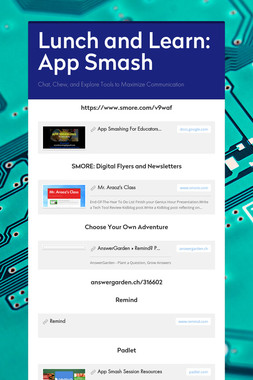
Click the image to access the Lunch and Learn App Smash SMORE.
Click the images below to access the presentation resources.


Anyone can CONSUME content. Be a PRODUCER and CREATE it!
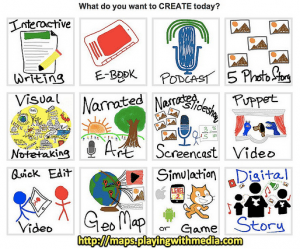
Going Google in the Classroom: Content Creation in a 1:1 Environment

STUDENT CHOICE = HEIGHTENED ENGAGEMENT
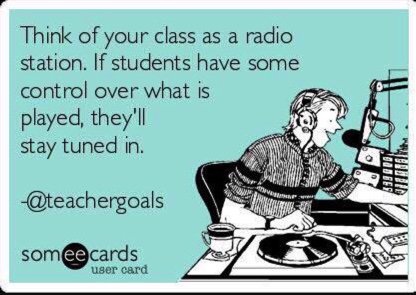
Incorporate STUDENT CHOICE Into Your Lessons


I have a confession to make…
Don’t tell anyone, but I’m NOT happy the school year is almost over.
I want to keep teaching, coaching and learning.
I still have things to do, teachers to coach,
I have new tech tools to try, and more classrooms to visit.
I LOVE my teaching job,
Especially my new role as an instructional coach and teacher leader.
After 27 years, I still feel so fortunate to be in the education profession.
I don’t HAVE to go to work, I GET to go to school.
I’m so grateful for this!
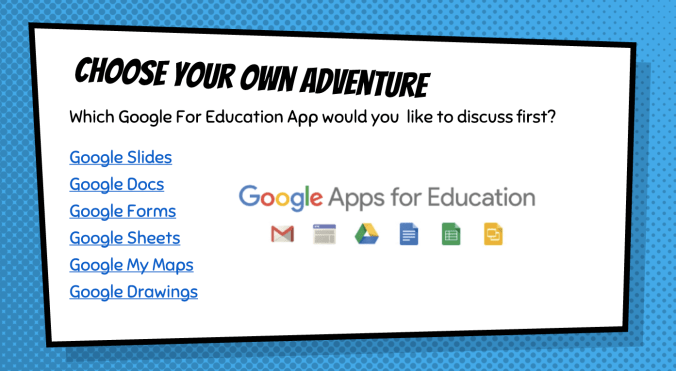
Google For Education is one of the fastest growing learning tools in the world. This past September, our school district enrolled in this suite of free tools for classroom productivity and collaboration. This amazing collection of applications is an excellent resource for educators of all grade levels in all subject and specialty areas. With GAFE, teachers can engage students anytime, anywhere on any device with the following free, device-agnostic, teacher-approved tools:
Google Drive
Google Docs
Google Slides
Google Forms
Google Sheets
Google MyMaps
Google Classroom
Click the image to view examples of student projects created with Google Apps for Education.

 The Golden Age of Education