Click the image below to access my Padlet PD presentation slides.

Click the image below to access my Padlet PD presentation slides.
those with the skills to benefit from technology use from those without. Rows of silent students completing digital worksheets on their Chromebooks or iPads is not effective technology integration. Using one-to-one tablets to complete weekly multiple-choice quizzes simply replaces paper, pencils, and grading.

My 2018 online course offerings include the following:
Game-Based Learning: Unleashing the Power of Gaming in the Classroom
Genius Hour: Passion-Based, Technology-Infused Learning
Technology-Infused Discussion Groups: Digital Tools to Enhance Student Discourse
REGISTER for our SPRING session TODAY!!
Click the image below to access my Game-Based Learning: Unleashing the Power of Collaborative Gaming presentation resources.
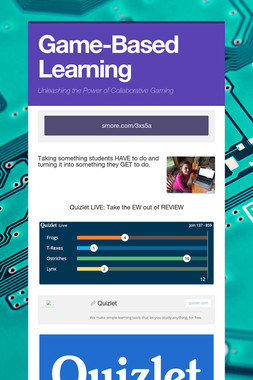
If you want to dive deeper into Game-Based Learning to unleash the power of gaming in your classroom, you can take my popular Game-Based Learning online course for in-service or graduate credits.
Click this link for more information:
As my students (and my own children) will attest, I spend a lot of time telling them to apply the skills and strategies they learn in school to the things they are passionate about at home in the real world. I implore them to actively create content using the learning strategies and technology tools introduced in class as opposed to passively consuming content as so many of their peers do for hours every day after school. For example, I encourage them to make their own video games instead of playing someone else’s games after school every day. I suggest that they film their own How-To Videos and post them on YouTube just like the ones that are searched for and watched by millions of their peers. I often ask them questions like, “Do you have a strong opinion about this topic? Then write a blog post about it.”
There are numerous ways to create and share in today’s tech-obsessed world, and as teachers (and parents), I believe we must model and demonstrate how this is done. Our students need to see how easy it is to create and share content with an authentic audience. The power to do this is literally in the palms of their hands.
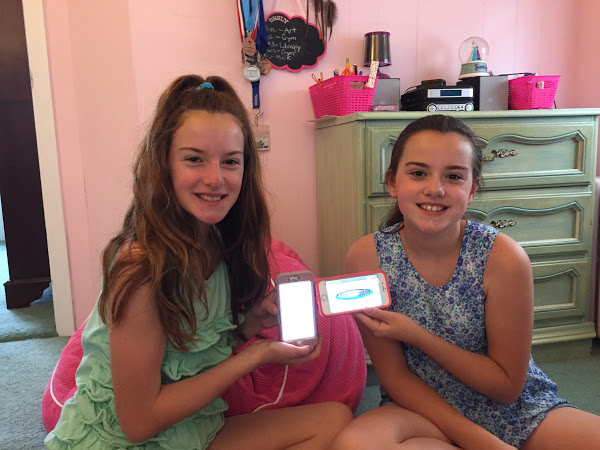
While many of my students get a glazed look on their faces as I rant about the benefits of actively creating versus passively consuming content, I am aware that I am making sense to at least some of them. I’m proud to report that my twins, Ava and Emma, are in the latter group. They surprised me last weekend when they wrote a blog post using the writing skills and strategies they learned in school to persuade me to purchase a trampoline. Ava and Emma wrote this persuasive post on an iPhone using Notes, then copied and pasted it into Kidblog (a blogging platform that I use with my 6th graders). Ava explained that they chose to post it on the blog because they knew that as a “tech guy,” I loved the platform and they wanted to impress me. And they were right because I was blown away!
They accomplished so much of what I hope my students will do:
Click the image below to read Ava and Emma’s persuasive blog post.
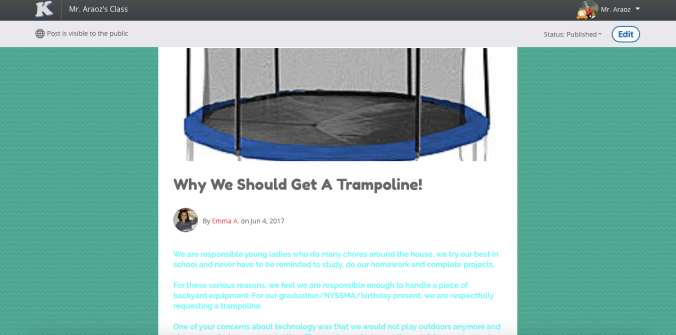
Click the image below to read their thank you letter.


Flipgrid is a video discussion community that helps teachers amplify student voice inside (and outside) their classrooms. And it’s perfect for Literature Circles. This secure digital platform allows students to use video as a tool to respond to and connect with literature in a collaborative and secure environment.

Teachers (or their students) can create “grids” for each Literature Circle book group and easily share the links in Google Classroom or on a class website. A join code is generated by the application and can be customized for each book group.

Students can then submit video responses to chapters read and engage in virtual Literature Circle book discussions from anywhere they are, at anytime they choose. This component is especially powerful for busy middle and high school students!
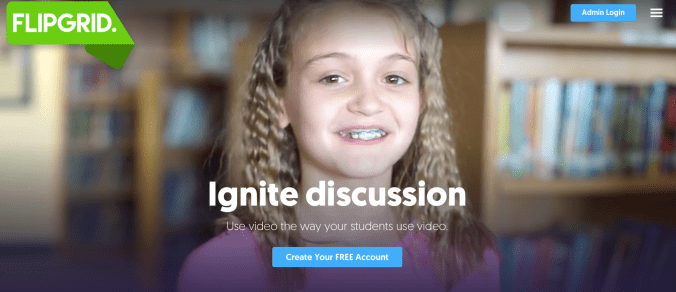
Students can view each other’s videos then “like” and respond to them; all within the secure confines of the Flipgrid platform. As you can see, they absolutely LOVE it!

Teachers can monitor all student activity from the Flipgrid dashboard. Here, video responses can be assessed and feedback can be given to individual students or the entire group.

Flipgrid is an excellent tool to add to your repertoire of Literature Circle tools. I highly recommend it! In fact, it is one of the tech tools I’ll be featuring in my sold out ISTE 2017 session,
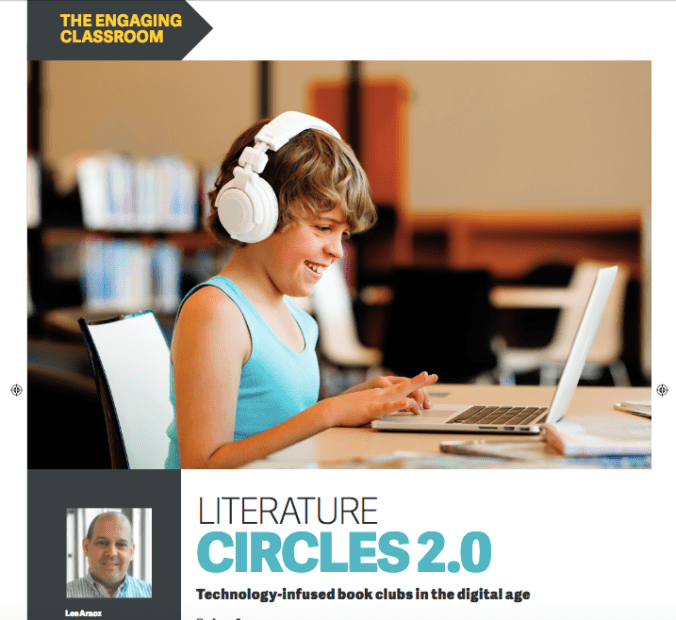
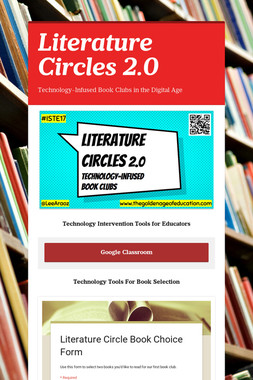
Literature Circles 2.0: Technology-Infused Book Clubs in the Digital Age
on June 27th in San Antonio, Texas.

Would you like to try Flipgrid Classroom for free this summer? If so, use the following code for an upgrade that is good until September 30:
LEEARAOZ
Click the image below to sign up for Flipgrid Classroom TODAY!

P.S. Flipgrid is also an excellent tool for collecting and sharing Genius Hour reflections.
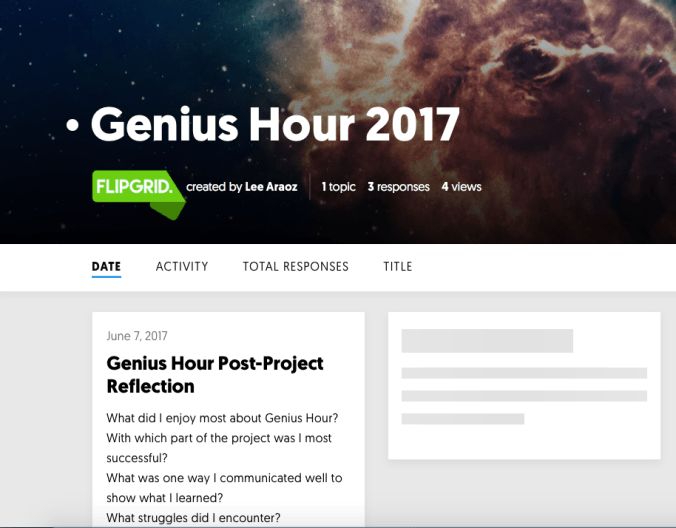

Student voice and choice are critical components of the Literature Circle experience and these can be greatly enhanced with technology. In my 6th grade class, students are given multiple opportunities to make important choices that drive their learning process within the Literature Circle dynamic.

Since they are very familiar with the Google Classroom platform (I’ve been using it all year), students created Google classroom classes for their Literature Circle book groups. I asked them to add me as a co-teacher so I can monitor the class stream for each group. In some groups, one student assumes the role of teacher for the week and then this position is rotated in addition to the roles in the Literature Circles. This allows students to submit digital evidence in the form of Google Docs, BookSnaps and/or any other application chosen. In other groups, all members join as “teachers” for their class. It’s totally up to the students!

Students post reminders in the class stream and comment when necessary. School appropriate chat rules apply and individuals who don’t adhere to our code of conduct can be muted with their comments deleted if necessary.

Students are encouraged to select and/or customize the class theme of their Literature Circle Google Classroom class. They can choose from the themes available in Classroom, or upload their own pictures. One group decided to change the class theme each week giving each group member an opportunity to choose it.

Students post job assignments (with descriptions) to be completed for upcoming meetings. One group even found a Literature Circle job description document and added it to their class stream.

Students post digital resources including links to Audiobooks and PDFs of their books so group members can complete assigned reading at home even if they leave their books in school. They are encouraged to use the digital tools and resources we’ve used in class throughout the school year. It’s amazing to see how easily they apply this knowledge!

Do you want to know more about the plethora of digital tools that are available for Literature Circles?
Join me in San Antonio at ISTE 2017 for the following BYOD session:


 The Golden Age of Education